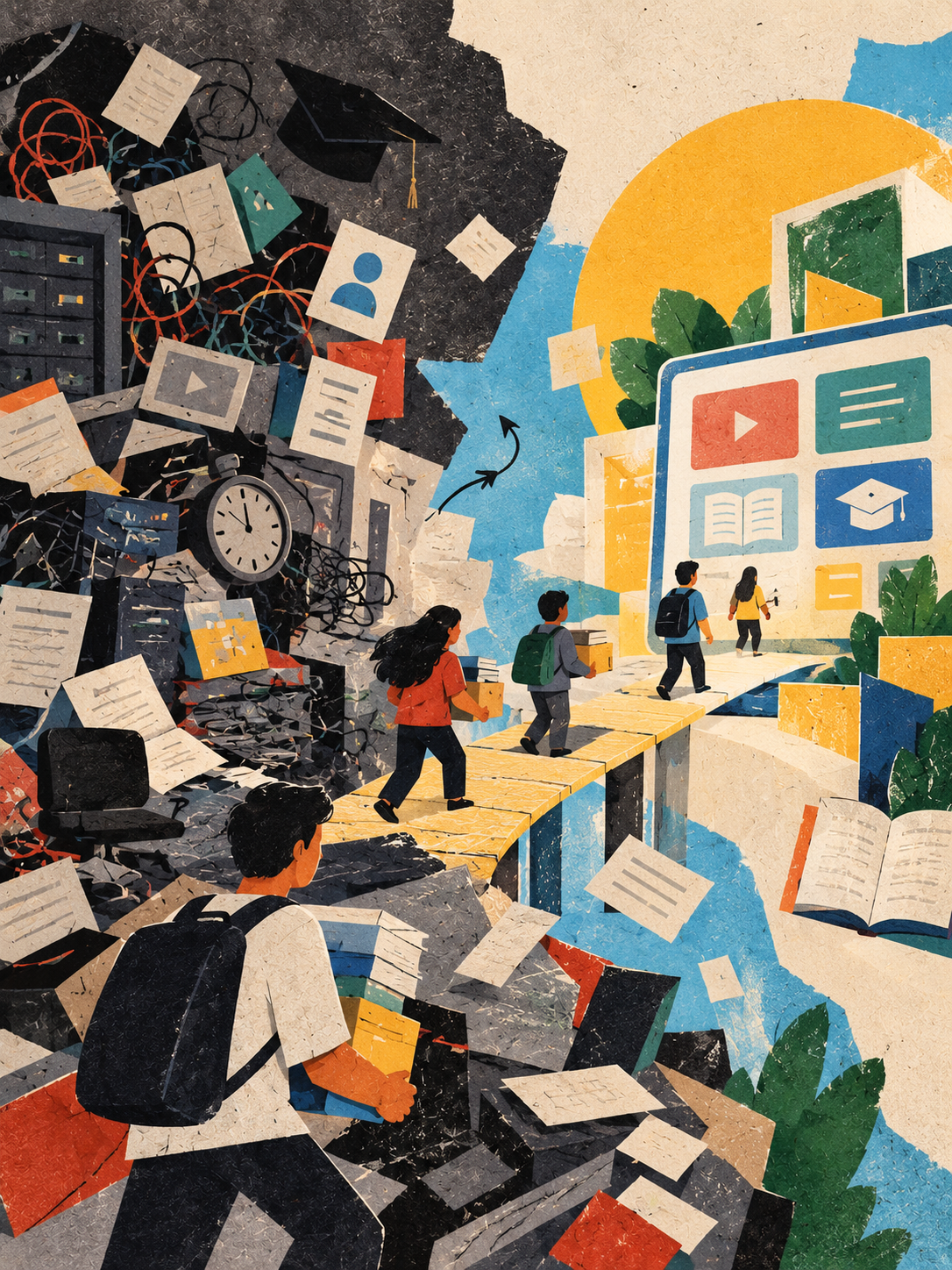
An LMS Migration Is a Change of Home for Learning
When a learning platform changes, the things being moved are not just files. They are lessons someone prepared, progress someone earned, and routines that help a learning community find its way.
An LMS migration can look straightforward from a distance: choose a destination, move the courses, and reopen the doors. Anyone who has supported a learning environment knows there is more to it. Courses contain different kinds of content. Assessments may behave differently from one platform to another. Learners have histories, instructors have established routines, and administrators need confidence that records remain accurate.
A good migration makes room for all of that. Its purpose is not merely to arrive on a new platform, but to help learning continue with as little unnecessary disruption as possible.
Start by asking what must not be lost
Before estimating dates, it helps to understand what the current platform holds. There may be active courses, archived materials, quizzes, assignments, grades, completion records, discussion spaces, integrations, accessibility accommodations, and user accounts. Some items can be transferred directly; others may need to be rebuilt, converted, or retained in an archive.
Not every old course needs to move. Some content may be outdated, duplicated, or no longer used. But decisions about what to leave behind should be made deliberately, with the right people involved. A course that appears inactive may still be needed for audit, reference, or a learner completing an older programme.
A simple inventory turns a vague migration into a set of understandable decisions. It also helps reveal which courses are straightforward and which deserve more time.
Why there is no universal timeline
A small environment with a few standard courses may be moved relatively quickly. A large institution with years of learning records, customised assessments, external integrations, and several user groups will need a different plan.
The timeline is shaped by the number and complexity of courses, the quality of the existing data, the capabilities of the destination platform, the amount of custom development, and the time available from educators and technical staff. Academic calendars matter as well. Moving a course during a quiet period may be manageable; changing a platform in the middle of assessments can create avoidable stress.
It is more honest to estimate the work in phases than to promise a fixed number of days before the environment is understood.
A gentler way to organise the work
Discovery and decisions. Identify the courses, records, users, integrations, and reporting needs that matter. Agree what will be migrated, rebuilt, archived, or retired. Confirm who can approve decisions and who needs to be consulted.
A small, representative pilot. Choose a few courses that reflect the range of the environment—not only the easiest ones. Include different content types, assessments, and any important integrations. The pilot is a chance to learn how the destination behaves before the whole community depends on it.
Migration and configuration. Move content and records according to the agreed plan. Configure roles, permissions, templates, integrations, and any required branding or navigation. Keep a record of what has moved and what still needs attention.
Testing with real users. Check more than whether a course opens. Do links work? Are files accessible? Do quizzes score as expected? Are grades and completion records correct? Can a learner find the next step without needing someone to explain the interface? Instructors and administrators often notice issues that technical checks alone will miss.
A planned transition. Communicate what is changing, when it is changing, and where people can get help. Where possible, avoid overlapping the move with major deadlines. Keep a clear plan for handling unexpected issues and preserve the ability to verify the original records.
Support after launch. The first days reveal questions that testing cannot always anticipate. Monitor problems, respond visibly, and collect feedback. A migration is not truly settled when the new platform opens; it is settled when people can use it confidently and the records can be trusted.
The details that deserve extra care
Assessments should be tested as assessments, not merely as pages. A quiz may rely on question settings, randomisation, feedback, or grading rules that do not transfer exactly. Gradebooks and completion histories need reconciliation. User accounts and roles should be checked so that people see what they should—and do not see what they should not.
Accessibility deserves attention throughout the process. Content that worked for one learner in the old platform may behave differently in the new one. Keyboard navigation, captions, document structure, contrast, and screen-reader behaviour are part of the learning experience, not finishing touches.
It is also wise to agree how long the old environment will remain available, who can access it, and how records will be retained. Keeping an old system indefinitely may create cost and security concerns; closing it too early may leave people without information they still need.
Make the calendar serve the learners
A project plan should reflect the rhythm of the institution. Work backwards from important dates, but leave room for testing, corrections, and communication. If a deadline leaves no time to verify grades or help instructors prepare, the deadline may be the wrong anchor.
A short delay discovered during a pilot is easier to manage than a surprise discovered by hundreds of learners on the first morning. The purpose of planning is not to make every uncertainty disappear. It is to give the team enough space to respond responsibly.
One question to carry through the project
On the first morning after the migration, imagine a learner logging in five minutes before class. Can they find the lesson, understand where they are, and trust that their progress is still there?
That small scene is a useful test of the whole project. A learning platform is infrastructure, but it is also a place people return to. A thoughtful migration protects both the information and the sense of continuity that helps learning happen.